Accessing the Coordinator Manager
Last updated on Mar 08, 2023
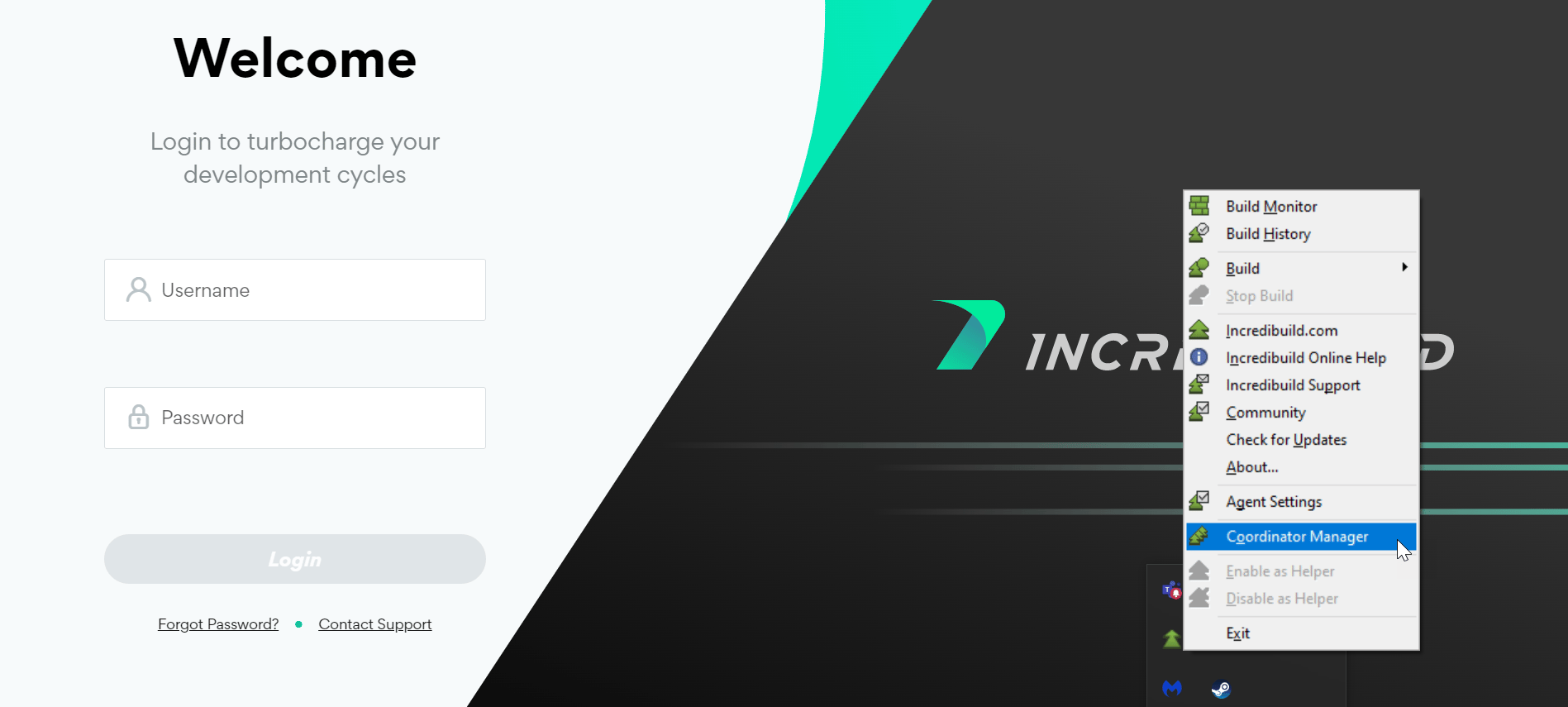
You can access the Coordinator Manager from: https://<coordinator machine name or IP>:8000/login.
The Coordinator UI Port is 8000 by default, but you can change it in the Coordinator Manager’s Settings.
You can also reach this URL from the tray icon > Coordinator Manager as well:

When you install the Coordinator, you created a single user with a username and password to access the Coordinator Manager.
https://docs.incredibuild.com/Default.htm
https://docs.incredibuild.com/lin/latest/Default.htm
https://docs.incredibuild.com/win/v10_2_2/Default.htm
https://docs.incredibuild.com/cloud/Default.htm
Windowshttps://www.incredibuild.com/ 10.2.2
