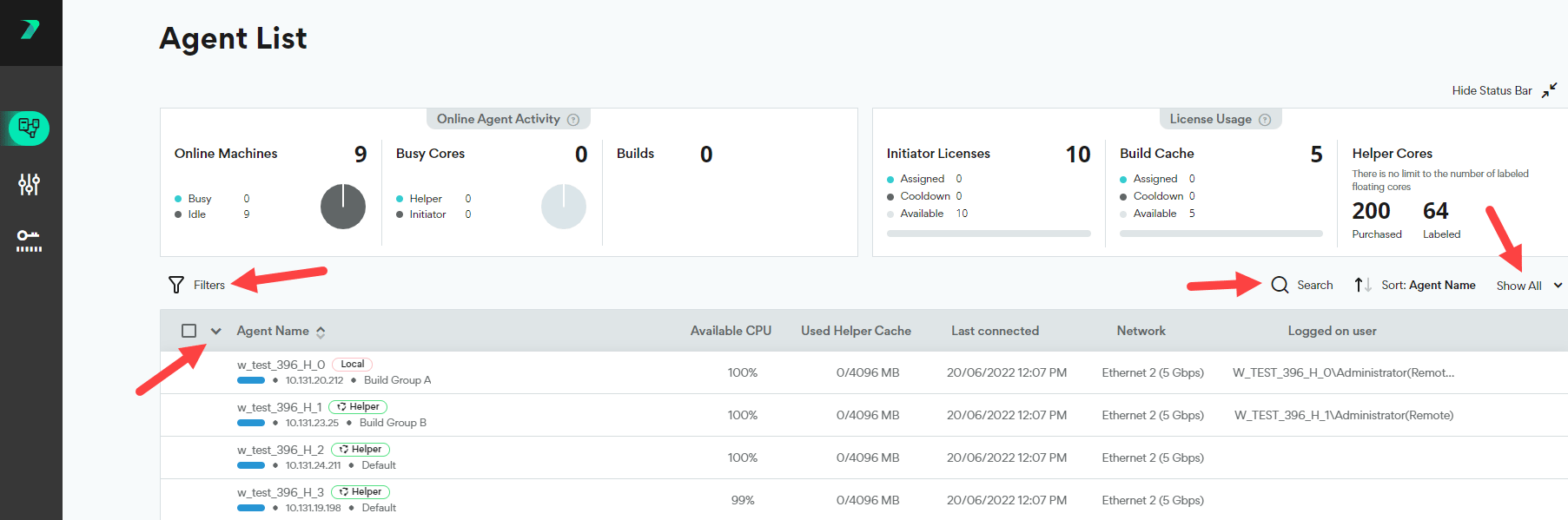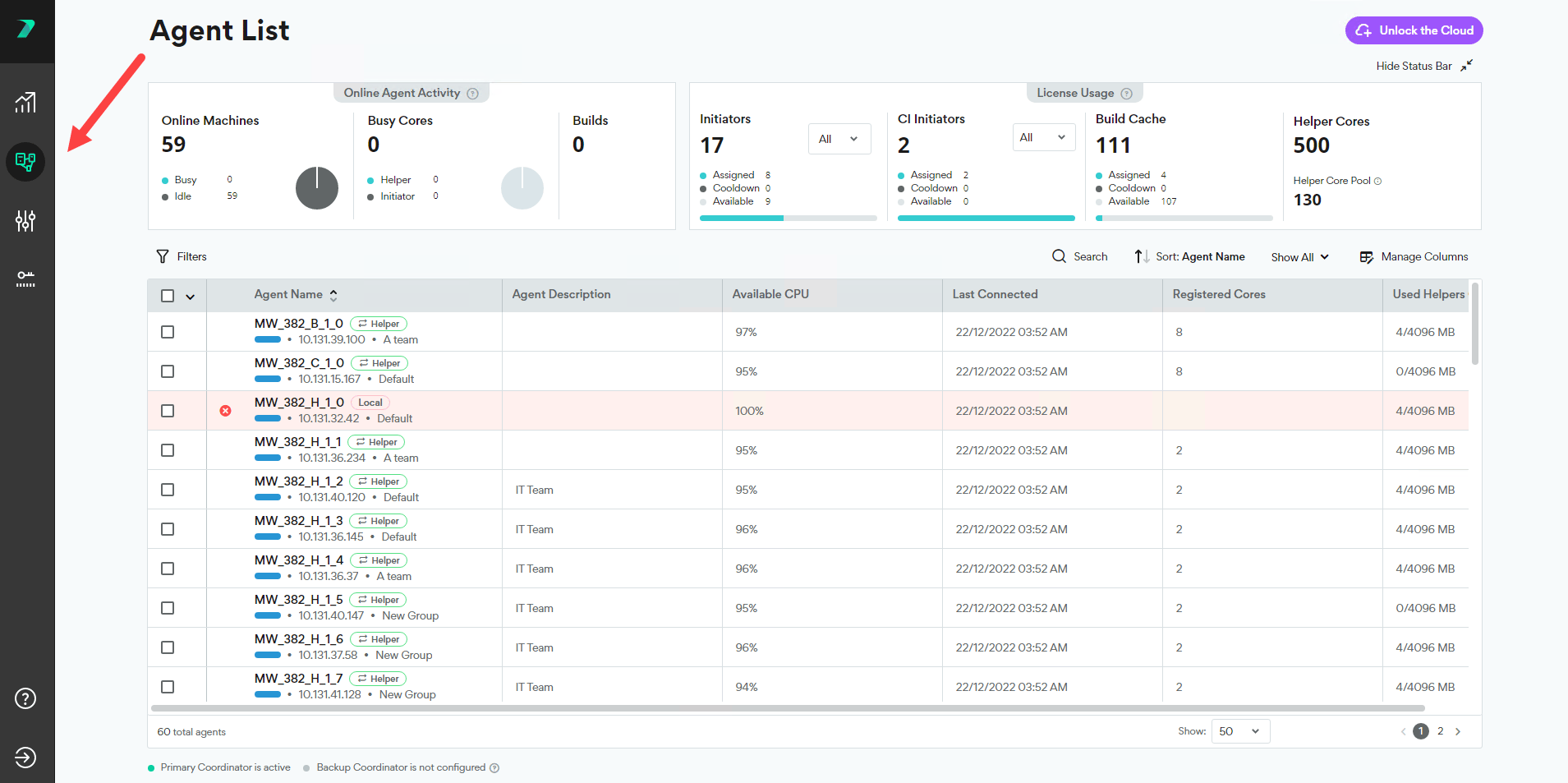
License Usage
View how many licenses are currently assigned, waiting to be assigned (available), or cooling down. Each fixed initiator license can only be allocated once per 24 hours. After each allocation, the license is considered cooling down for 24 hours.
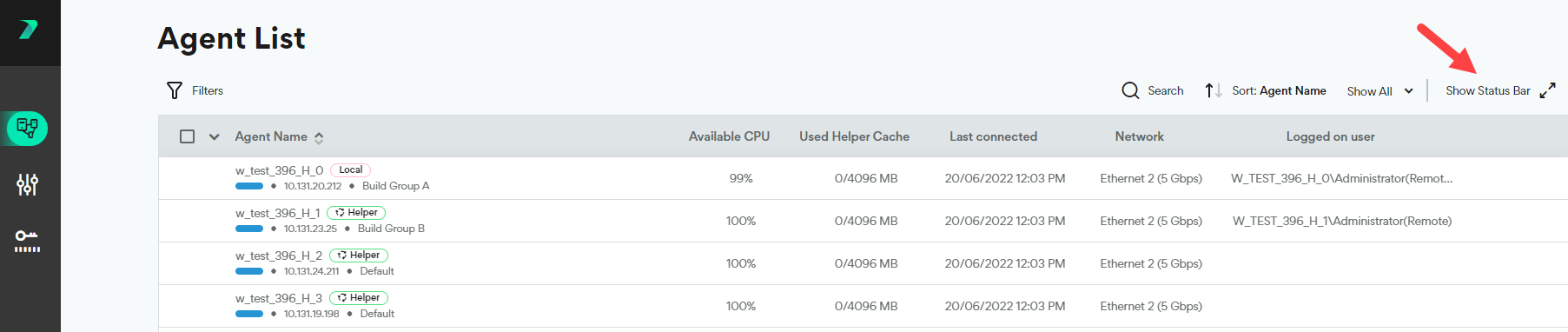
Online Agent Activity
Get a high-level picture of your online Agents:- How many Agent machines are currently online
- How many Helper Cores (including Cloud) and Initiator Cores are currently involved in a build
- How many builds are currently running with Incredibuild.
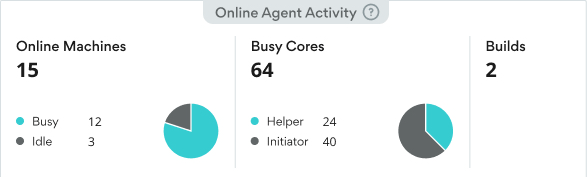
View Agent Details and Status
The agent list shows you information about each Agent such as it’s status, available CPU, and description. Click Manage Columns to add or remove columns from the list.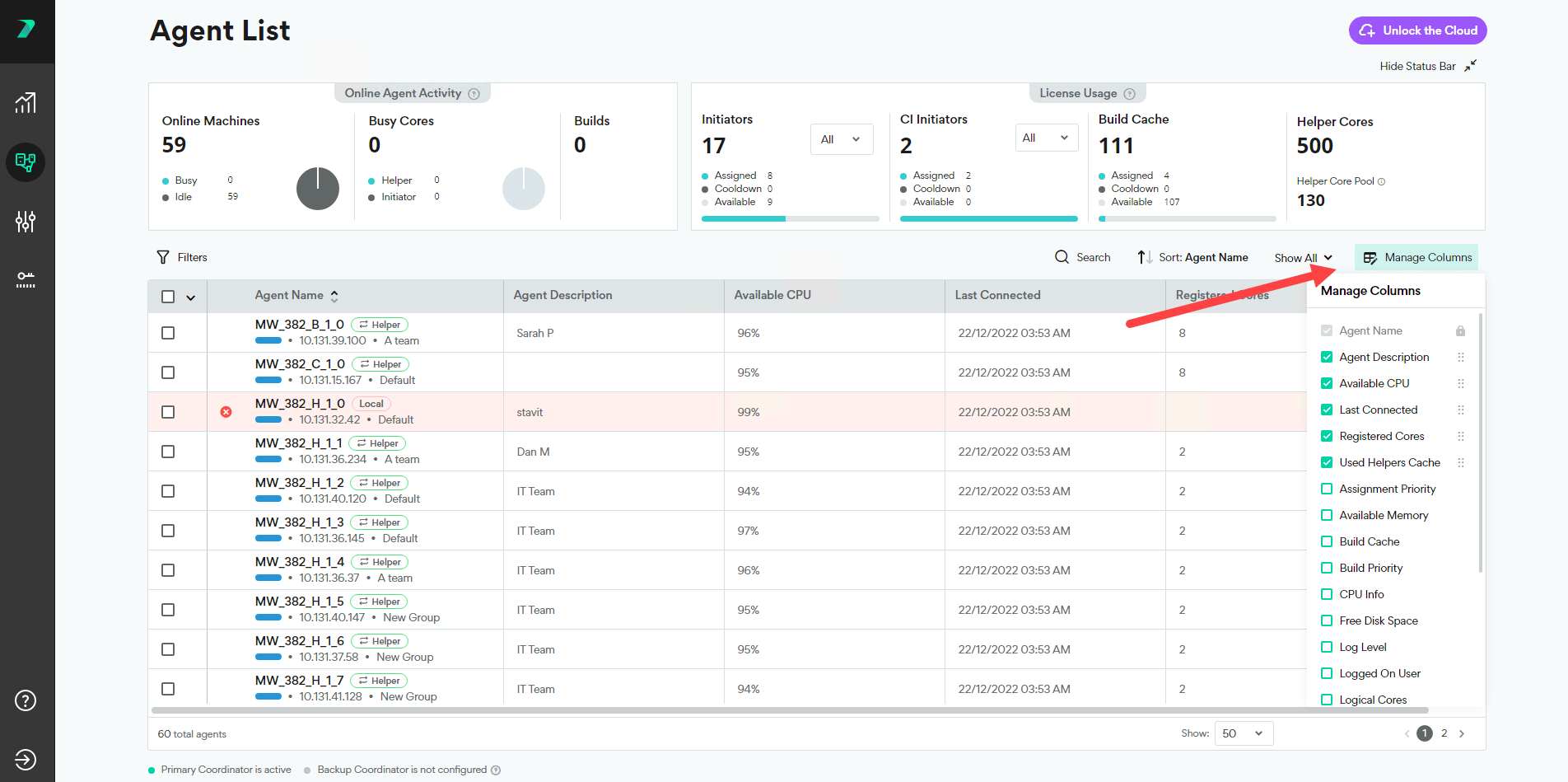
Agent Name
The Agent Name column contains a lot of useful information.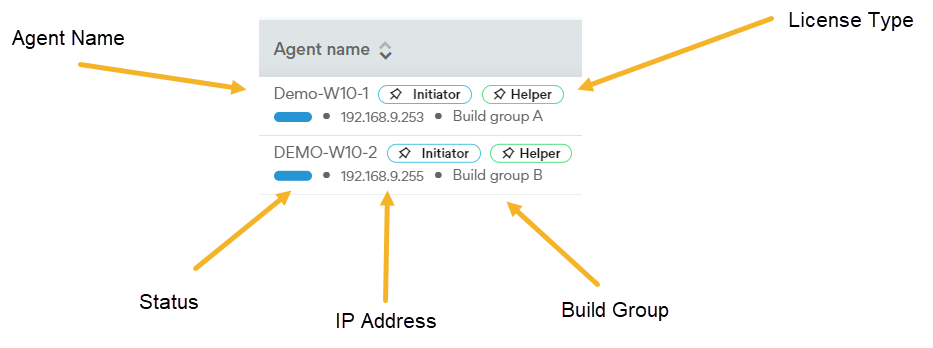
- Agent Name: The name of the host machine.
- License Type: The type of license currently assigned to this Agent. Can be Initiator, Helper, both, or Local when no license is assigned.
-
Status: The current state of the Agent.
-
 Ready: Agent is available to run a build.
-
 Initiating: Initiator Agent is currently running a build. You will see the word “Running” and the name of the build.
-
 Helping: Helper Agent is currently assisting in running a build
-
 Offline: Agent is not connected to the Coordinator.
-
 Updating: The Agent is installing the latest version.
-
- IP Address: The IP address of the host machine.
- Build Group: The Build Group this Agent belongs to. Agents that have not been assigned to a Build Group are automatically assigned to a Build Group called Default.
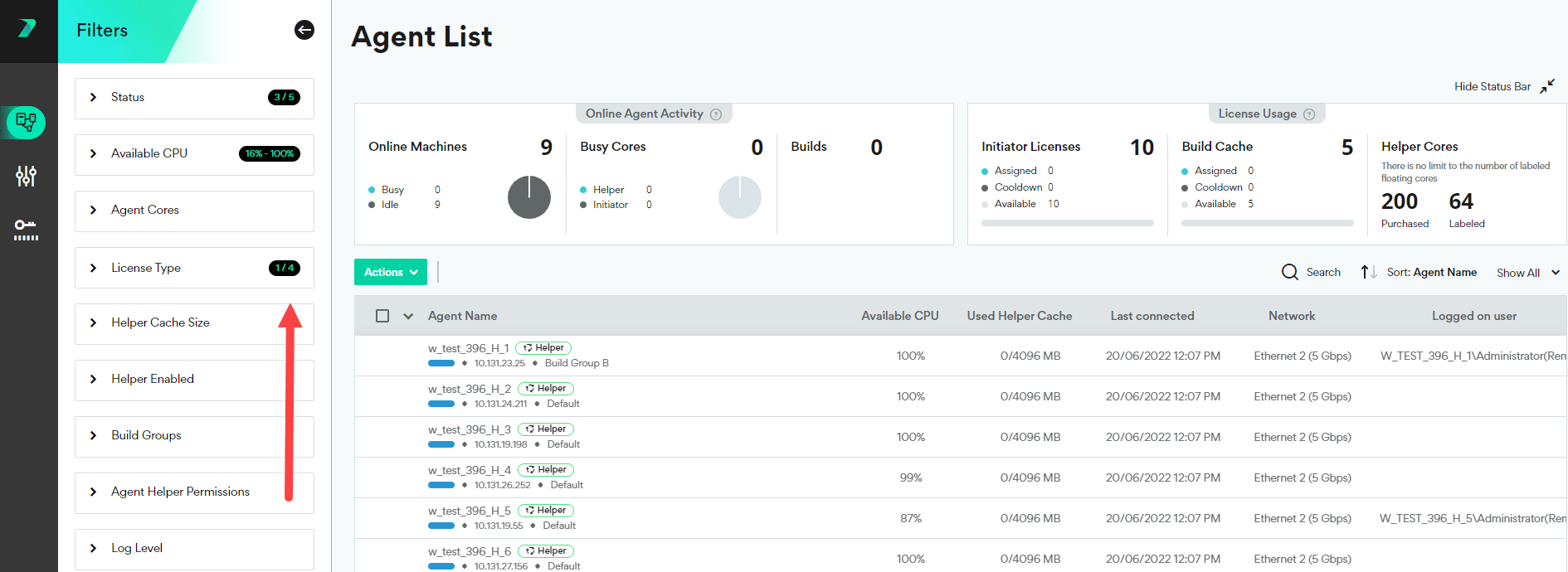
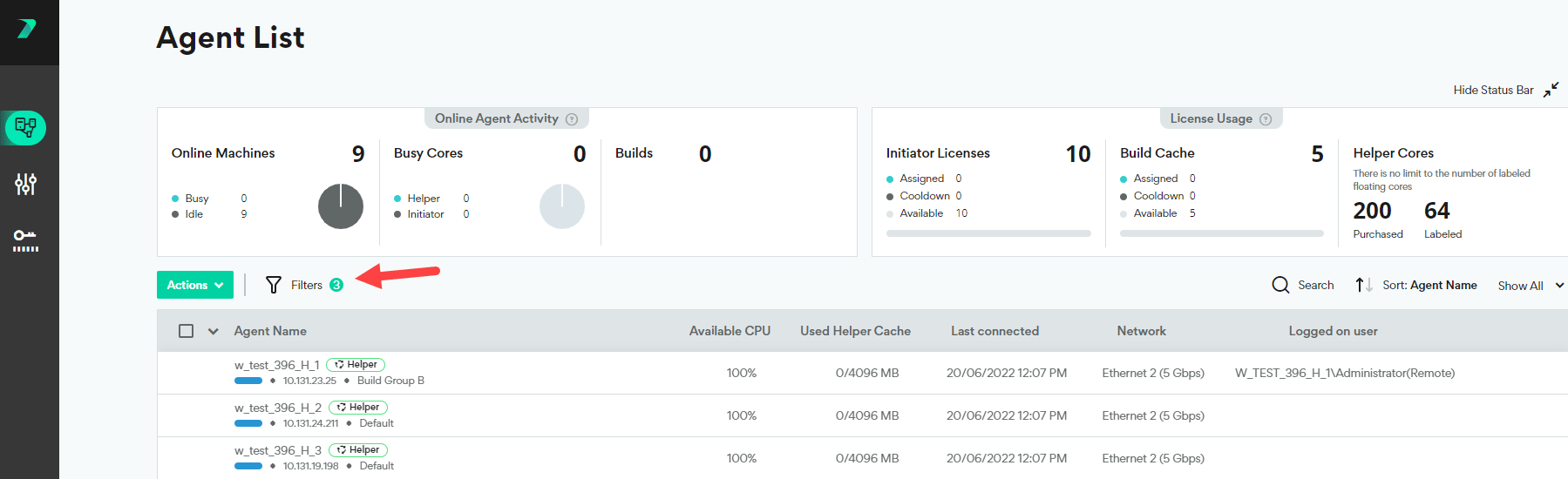
Filter the Agent List
You can filter the agent list by typing in the search bar, using the quick filter drop-down, or using the filter button. The search bar scans the following attributes: Agent Name, Build Group, IP, routing IP, Mac Address and current build title.