Creating a Build Group
-
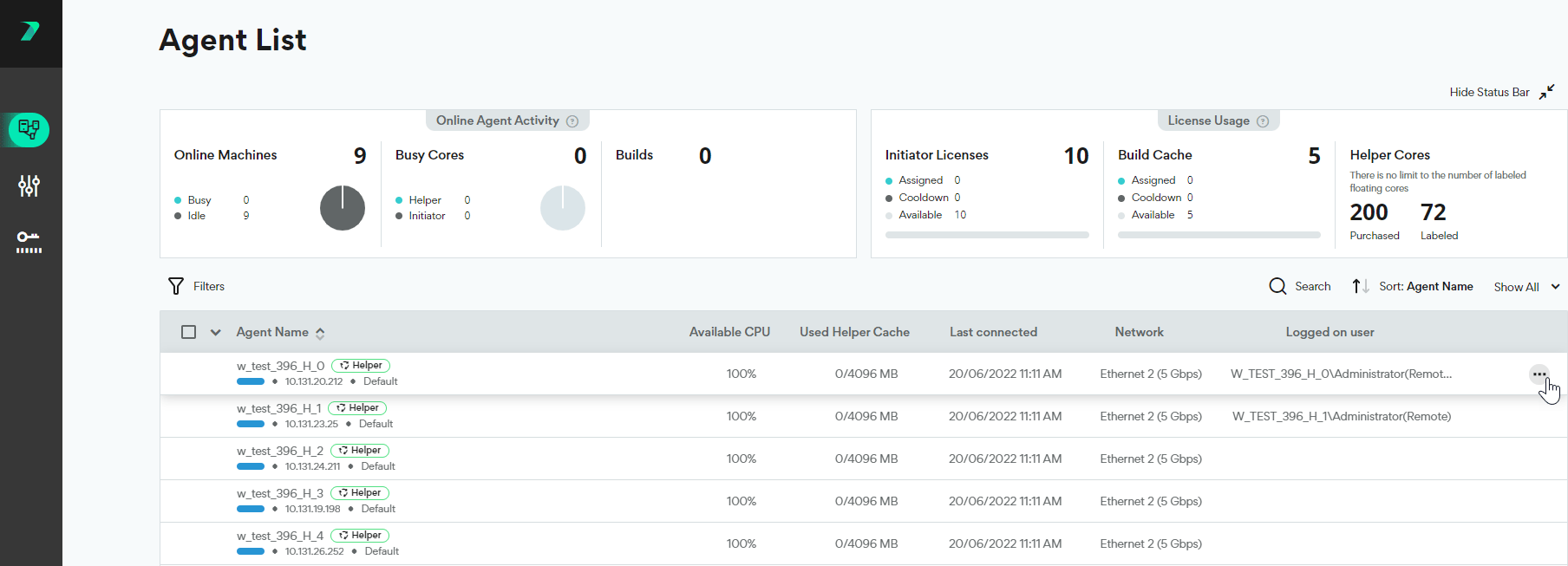
In the Coordinator’s Agent List, click the three dots menu next to the agent.
-
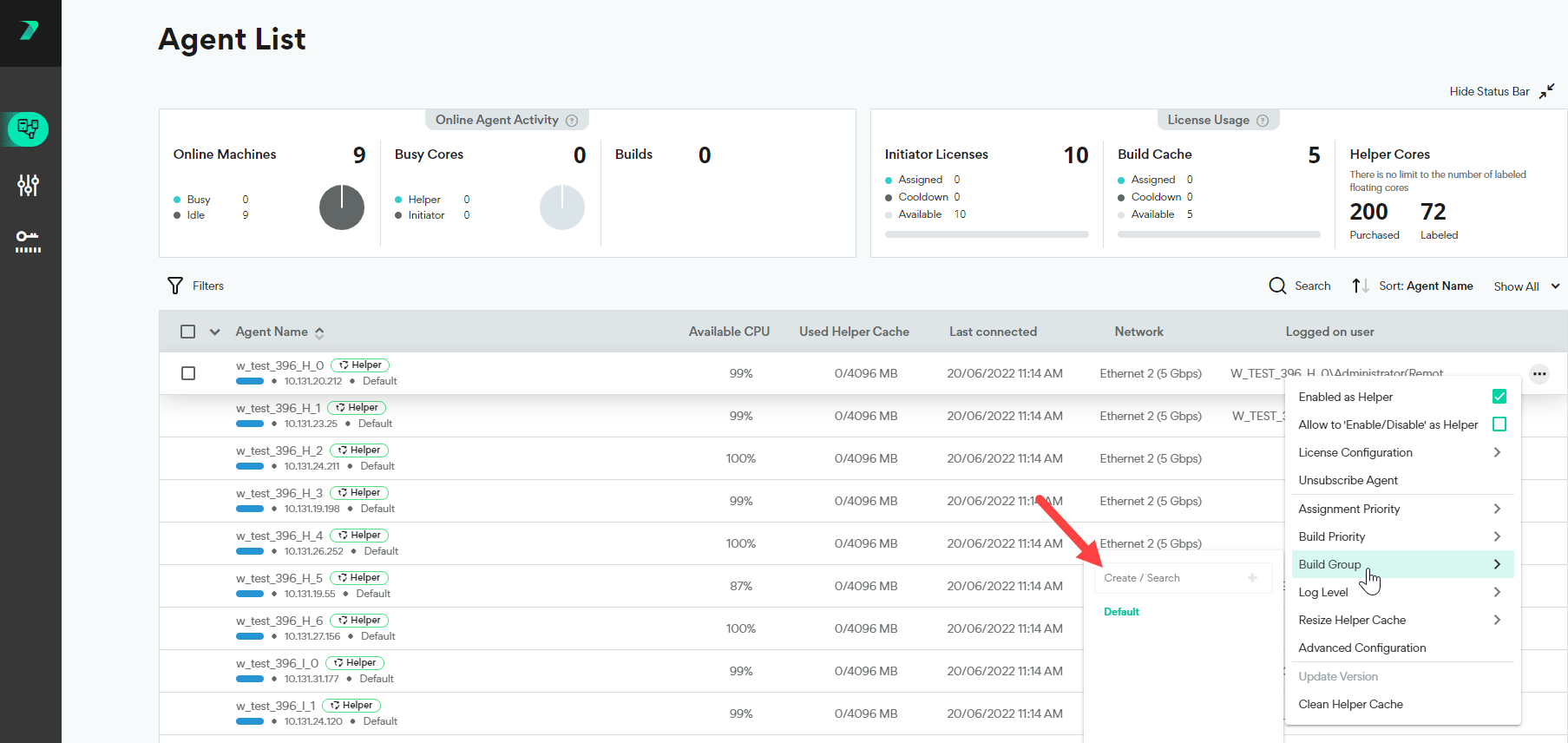
Click Build Group and type the Build Group name in the Create / Search box.
-
Click
 . The Build Group is created, and assigned to the Agent.
Assigning Agents to a Build Group
-
In the Coordinator’s Agent List, click the three dots menu next to the agent.
-
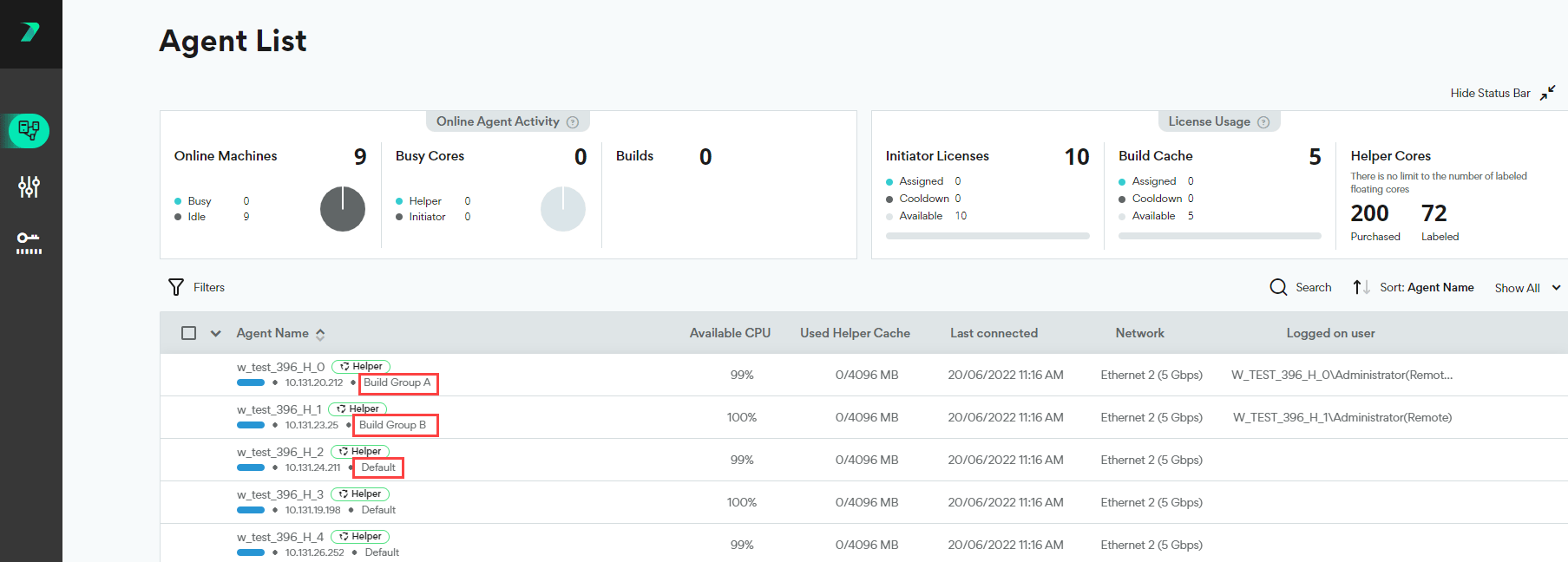
Click Build Groups and select an existing Build Group. You can use the search box to narrow the results.
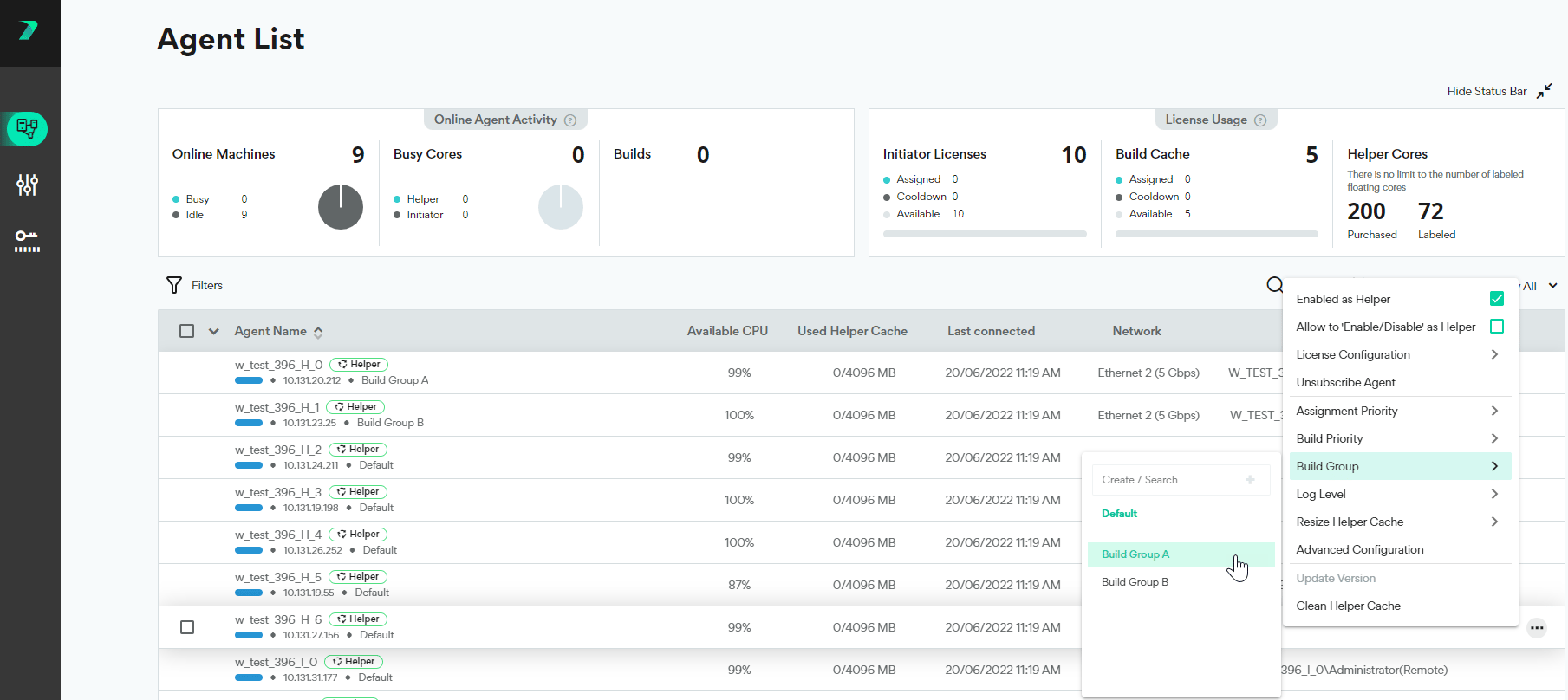
-
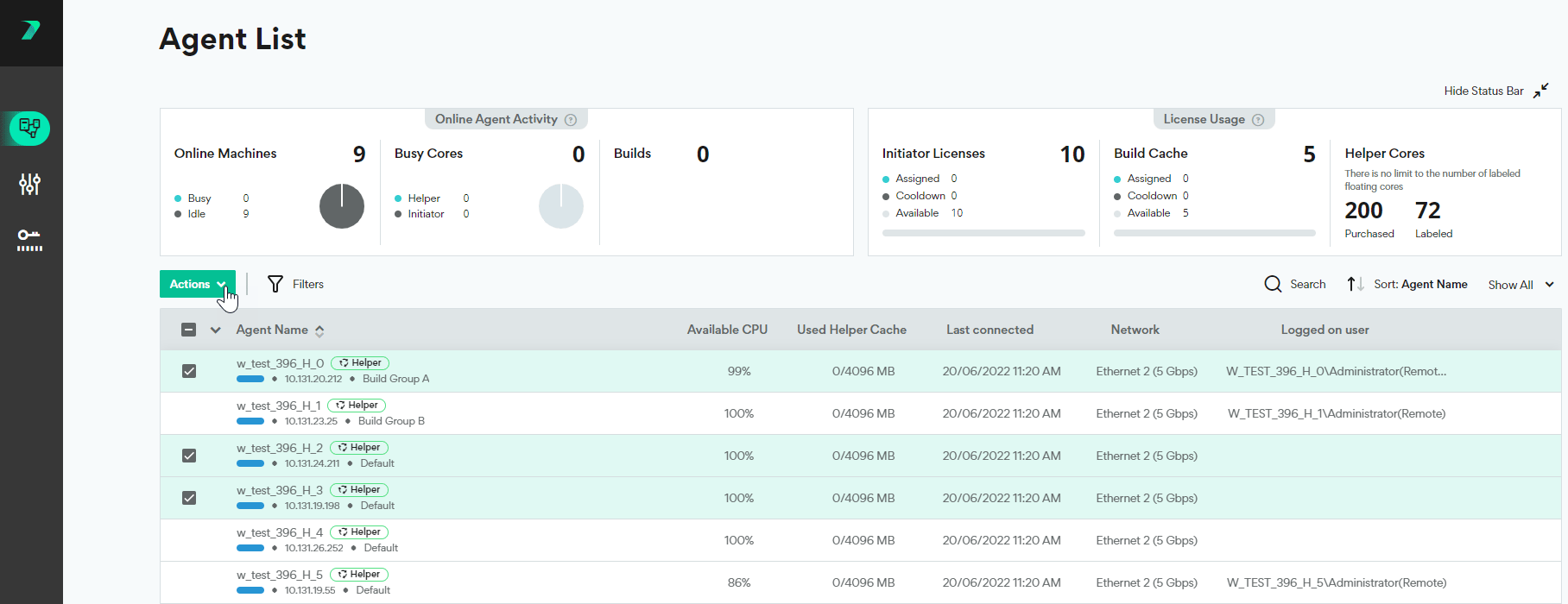
To assign multiple agents at once, select the agents and use the Actions menu options.
Viewing all Agents in a Build Group
-
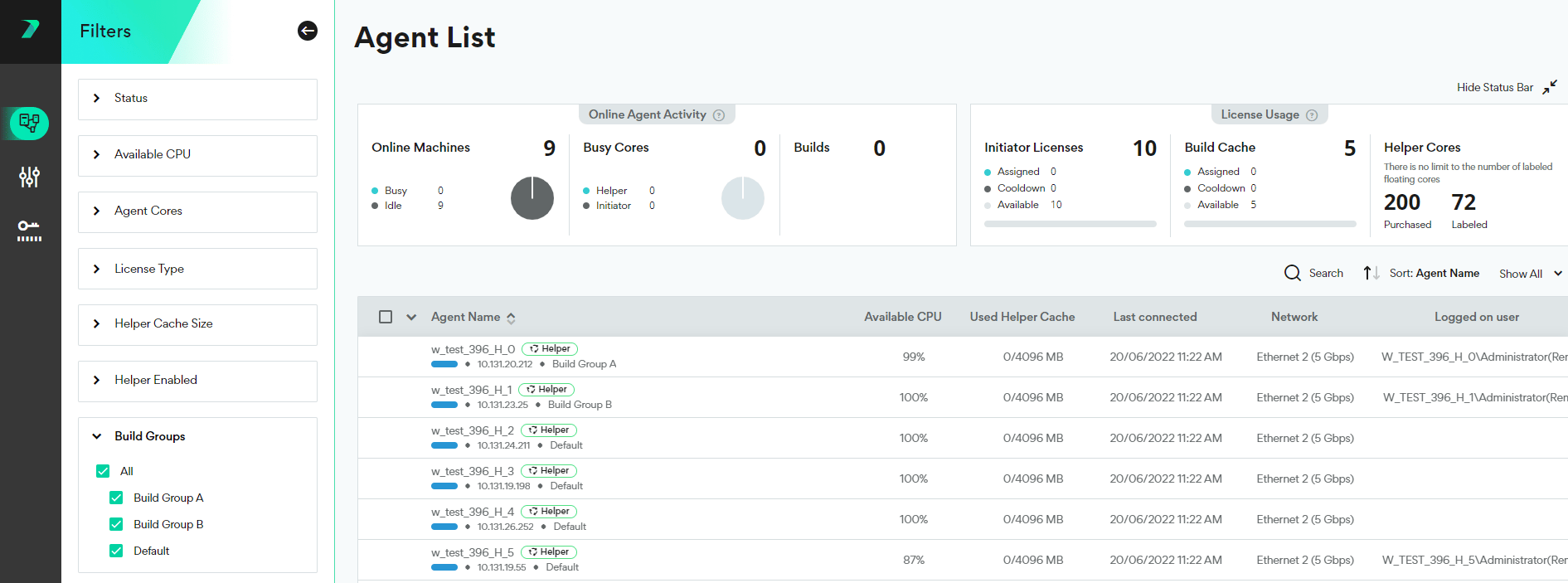
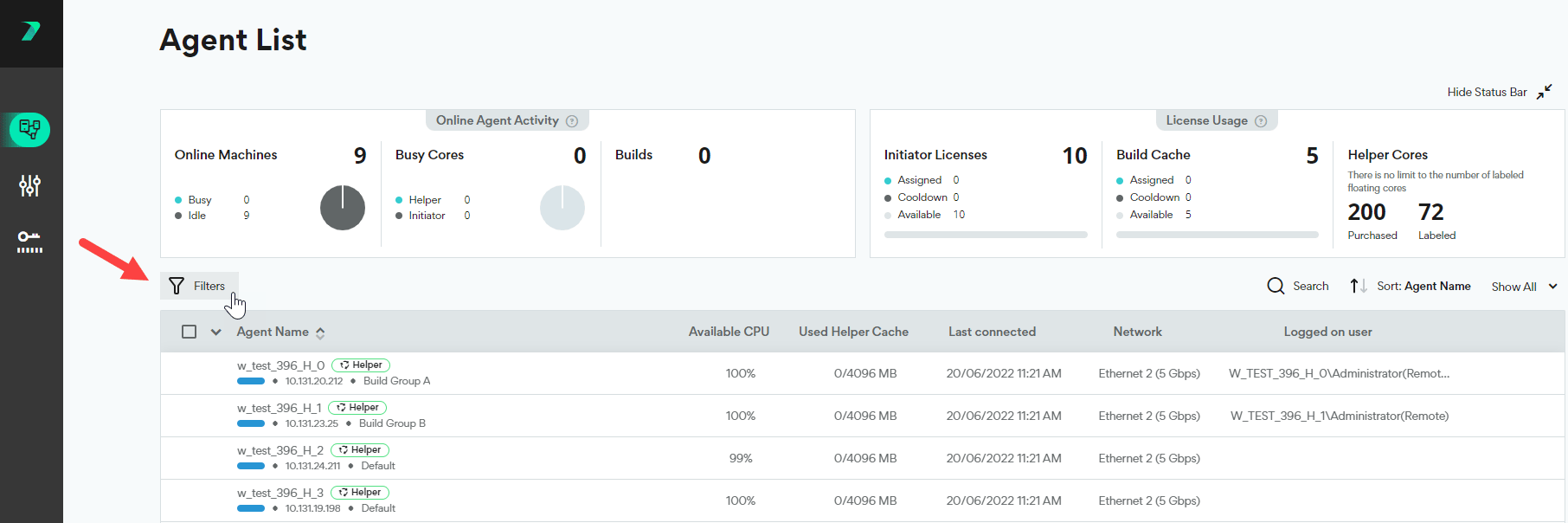
In the Coordinator’s Agent List, click the Filter.
-
Expand the Build Groups section, and select the Build Groups you want to display.