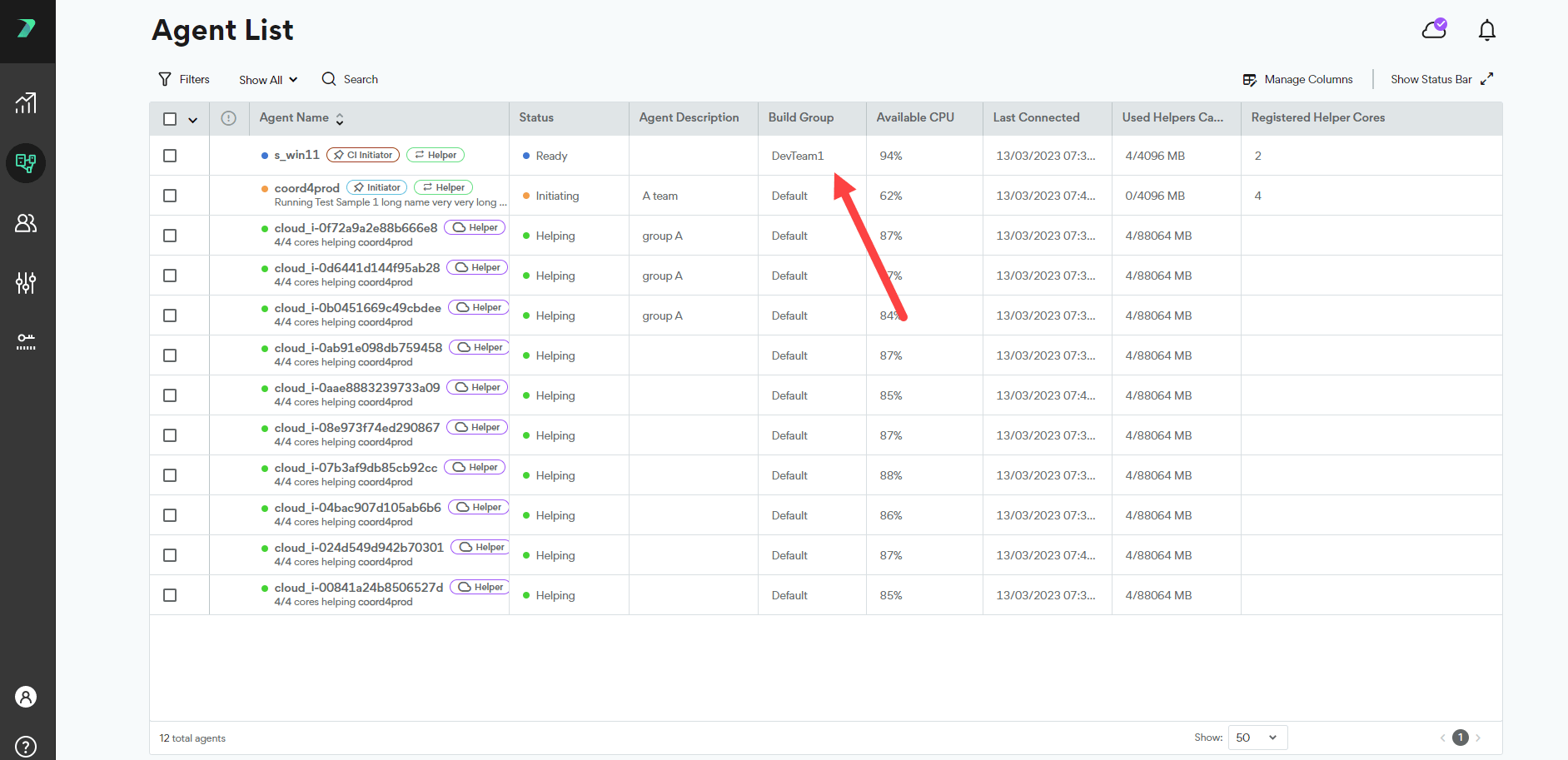
Creating a Build Group
-
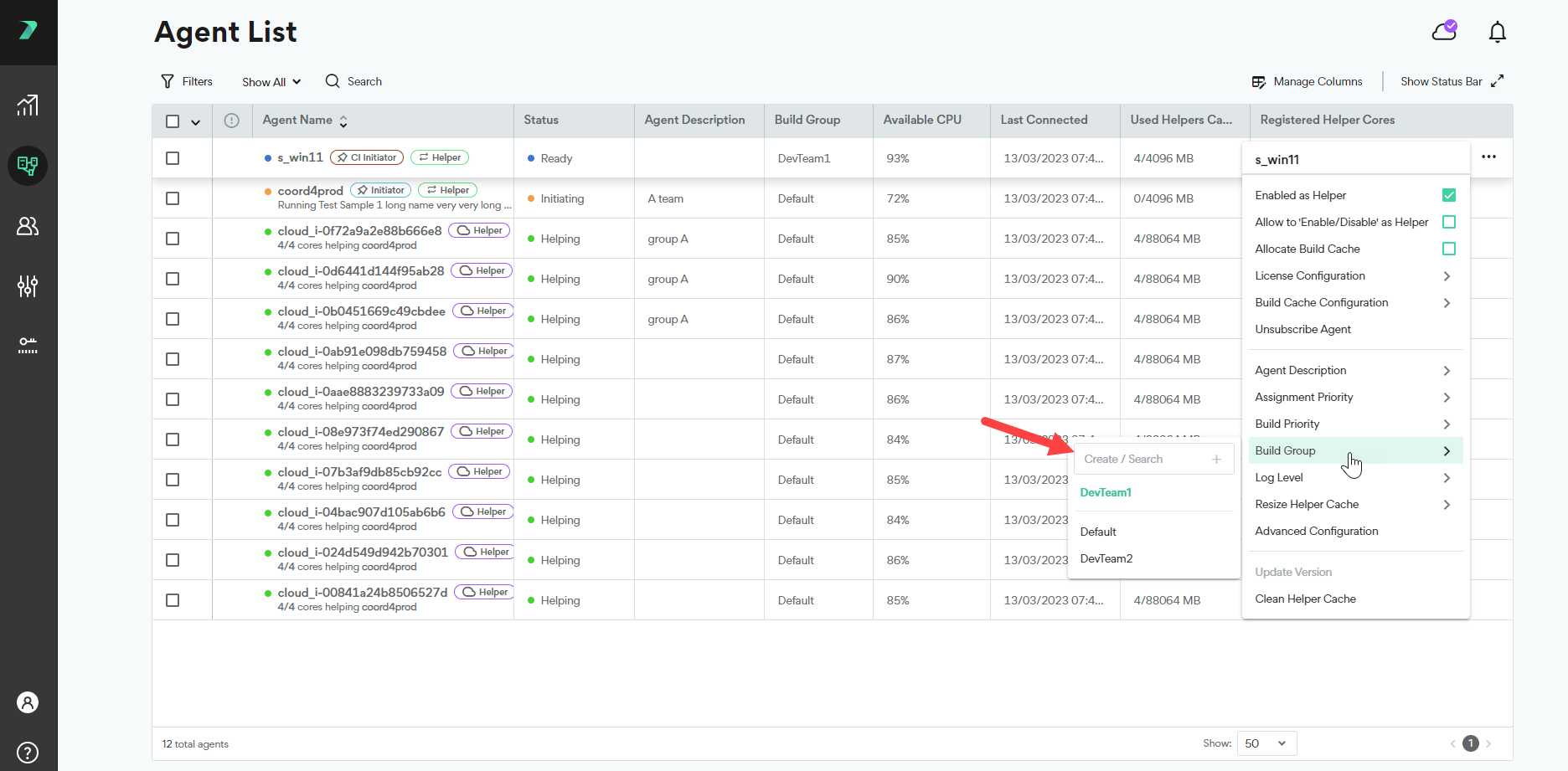
In the Coordinator’s Agent List, click the three dots menu next to an Agent, click Build Group and type the Build Group name in the Create / Search box.
-
Click
 . The Build Group is created, and assigned to the Agent.
Assigning Agents to a Build Group
-
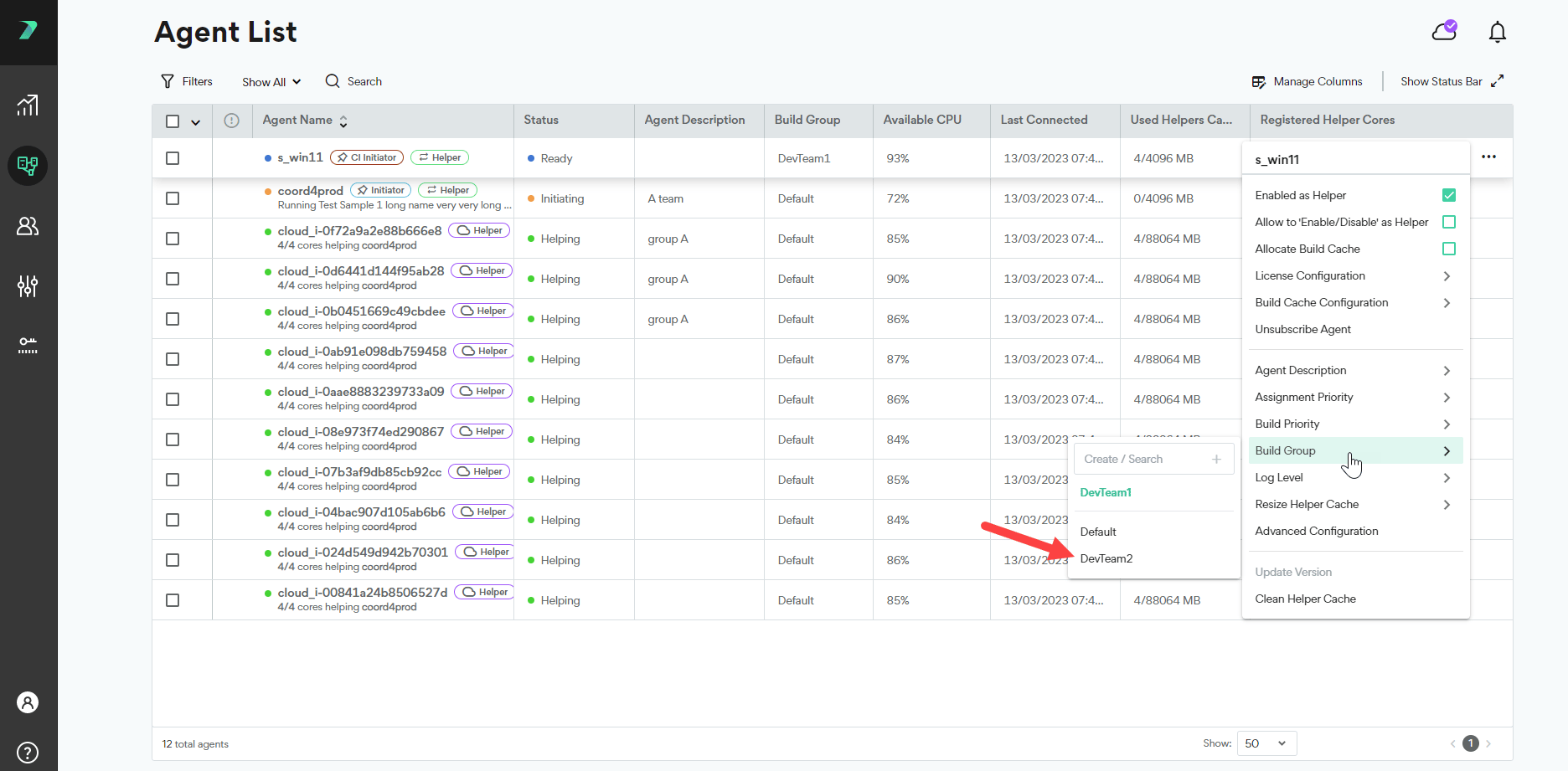
In the Coordinator’s Agent List, click the three dots menu next to an agent, click Build Groups and select an existing Build Group. You can use the search box to narrow the results.
-
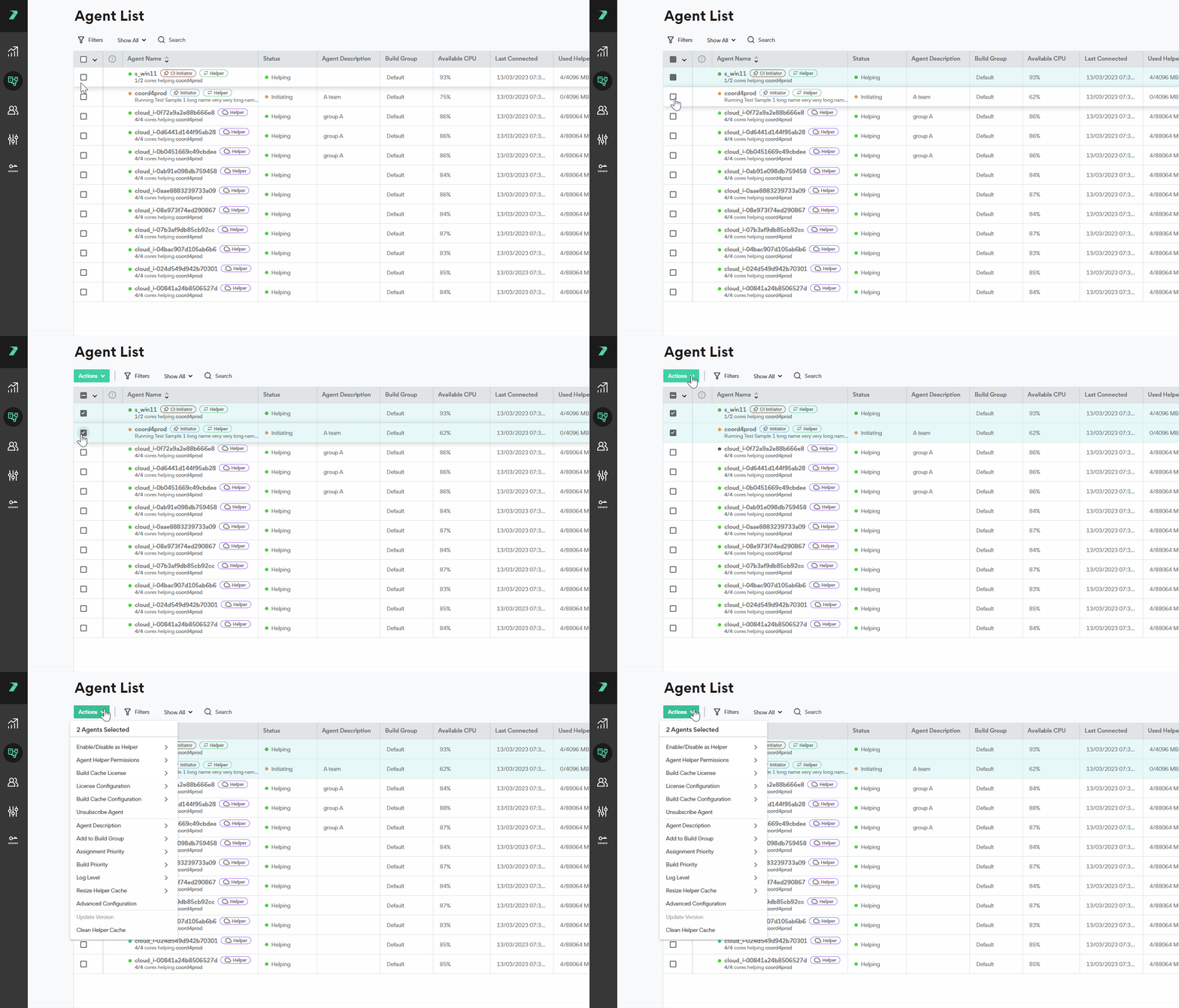
To assign multiple agents at once, select the agents and use the Actions menu options.
Viewing all Agents in a Build Group
-
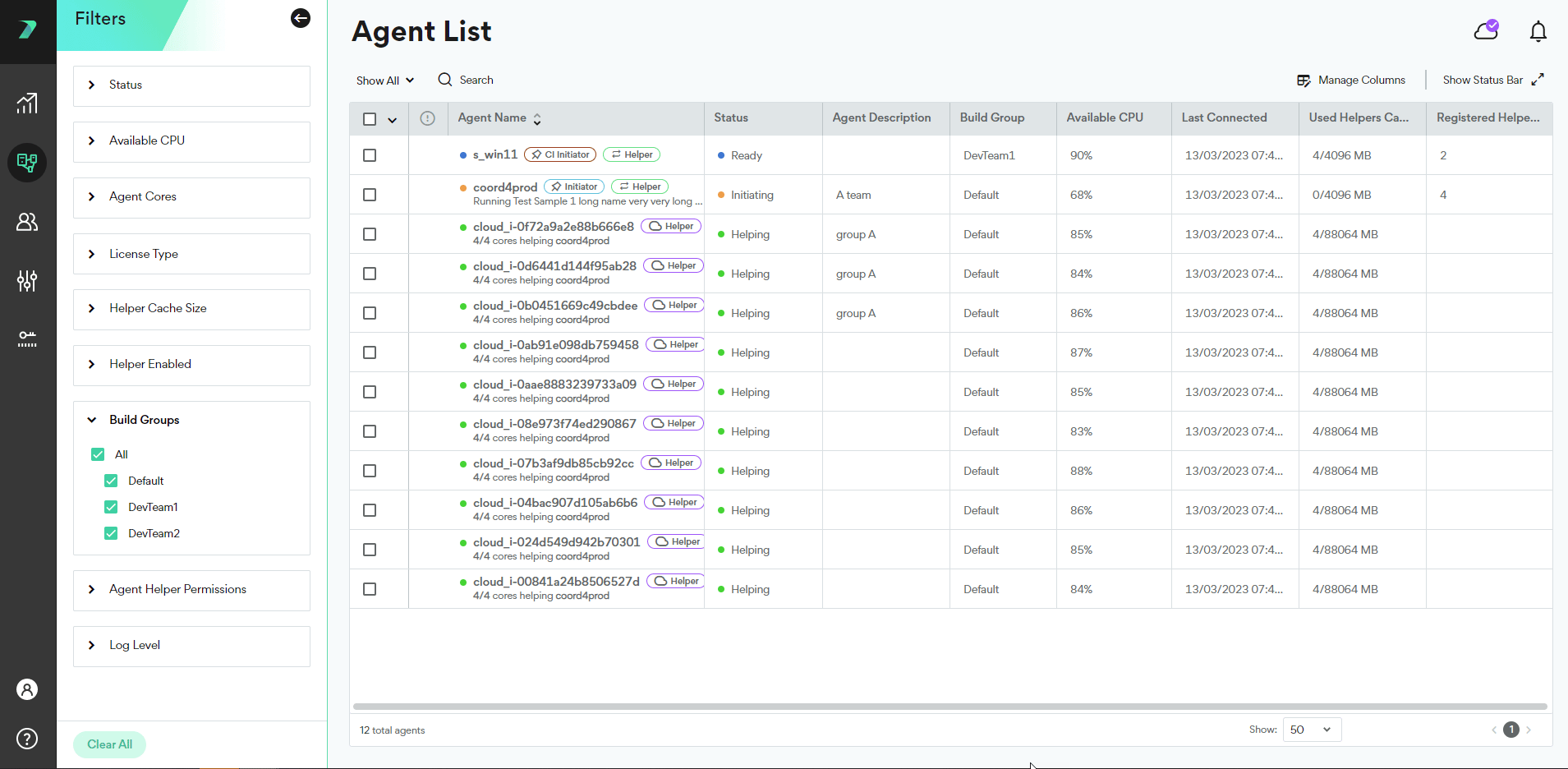
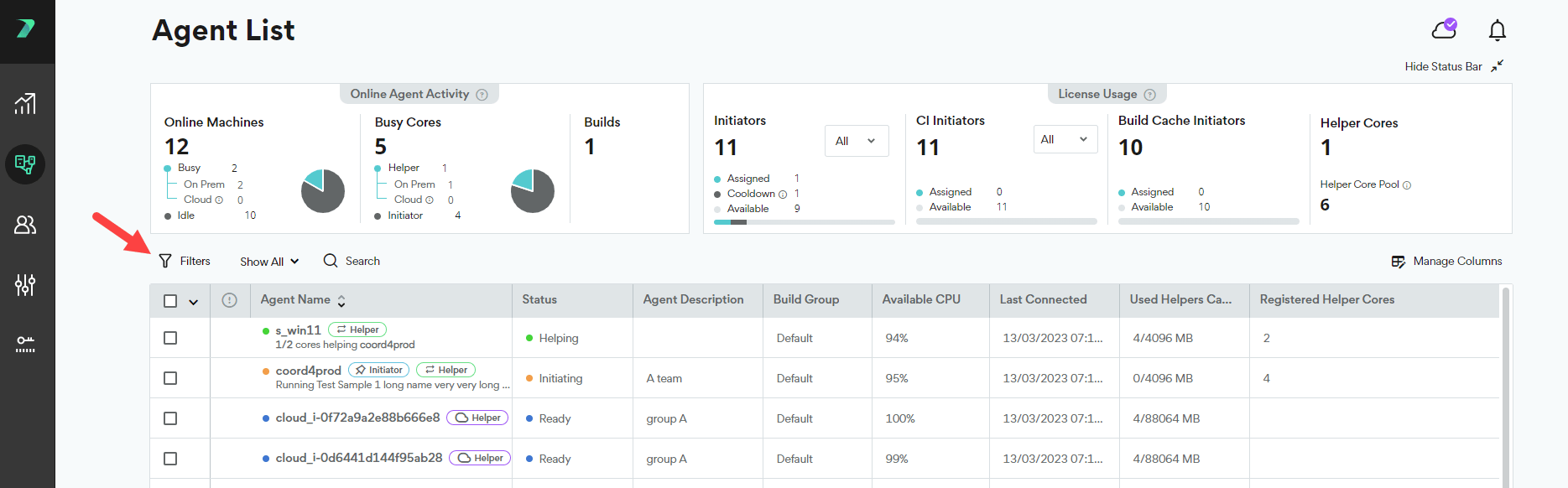
In the Agent List, click Filters.
-
Expand the Build Groups section, and select the Build Groups you want to display.